Timing is one of the most overlooked variables in content distribution. Creators obsess over what to share and how to write a caption, but often neglect the when. The difference between publishing a link at 7am Tuesday versus 7pm Thursday could be the difference between a link that gets 200 clicks and one that gets 2,000. Scheduled link publishing is the tool that bridges the gap between knowing your audience peak hours and acting on that knowledge consistently.
Why Timing Matters for Link Performance
Every social media platform has algorithms that favor content receiving early engagement. When a post gets likes, reposts, bookmarks and clicks in the first hour of publishing, the algorithm interprets it as high-quality content and distributes it to a wider audience. When a post goes live at a low-traffic time, early engagement is sparse, the algorithm deprioritizes it, and the link never reaches its potential audience.
The same principle applies at the link level. If your short link goes live while your followers are active and browsing, the initial click burst signals engagement to both platform algorithms and to the broader community feed on FavURL. A link that gains momentum early continues compounding interest, while a link that launches quietly often stays quiet.
How FavURL Scheduled Publishing Works
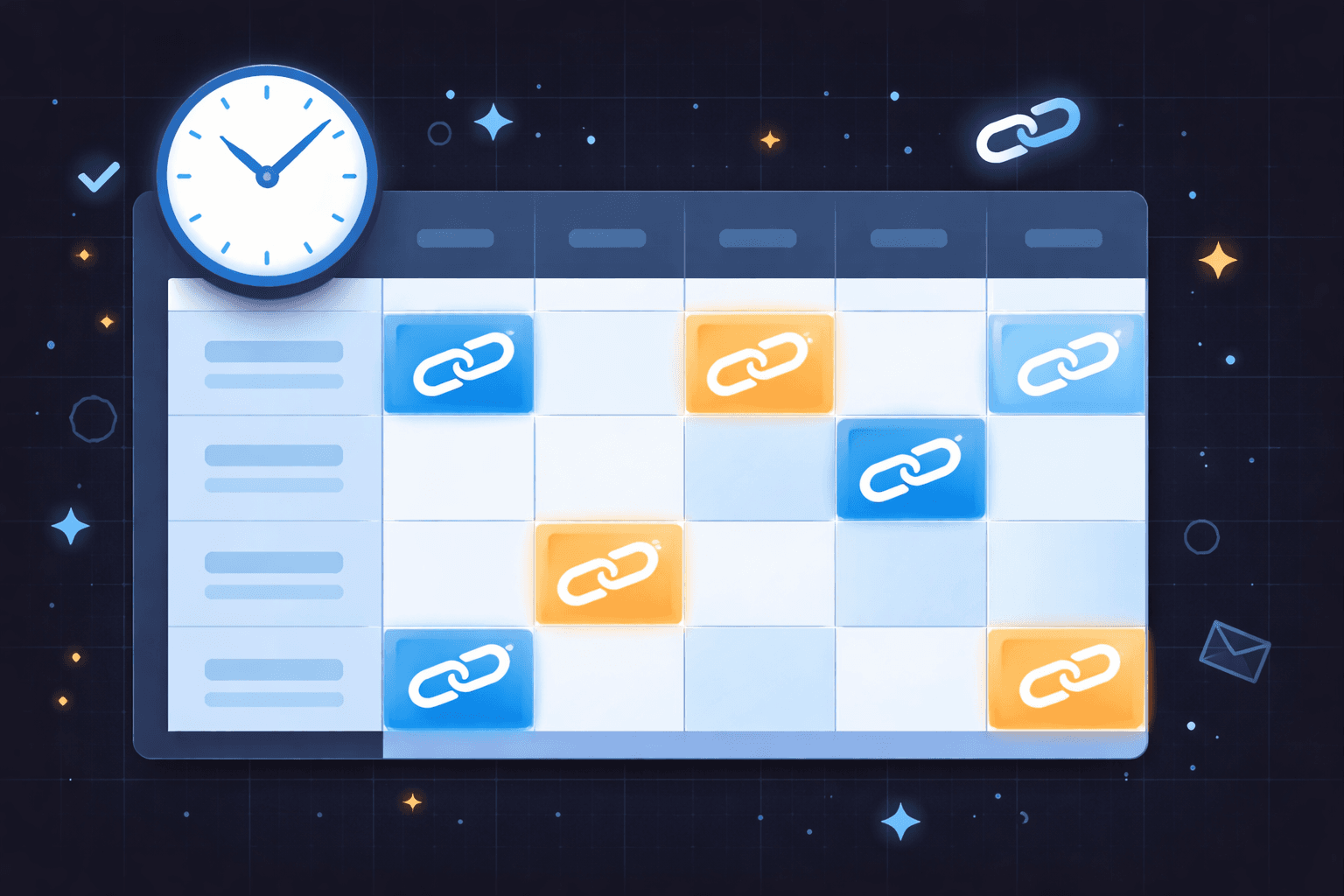
With FavURL Scheduled Publishing, you create your short link ahead of time, set a go-live date and time, and the link remains inactive until that exact moment. Before the scheduled time, anyone who tries to access the link receives a neutral waiting message rather than being redirected. At the scheduled moment, the link activates and begins redirecting to your destination.
This means you can prepare an entire week of link shares on Sunday afternoon, schedule each one for its optimal time window, and then execute a full content distribution calendar without being at your computer at 8pm on a Thursday. The scheduling system does the timing work while you focus on creating content.
Finding Your Optimal Posting Windows
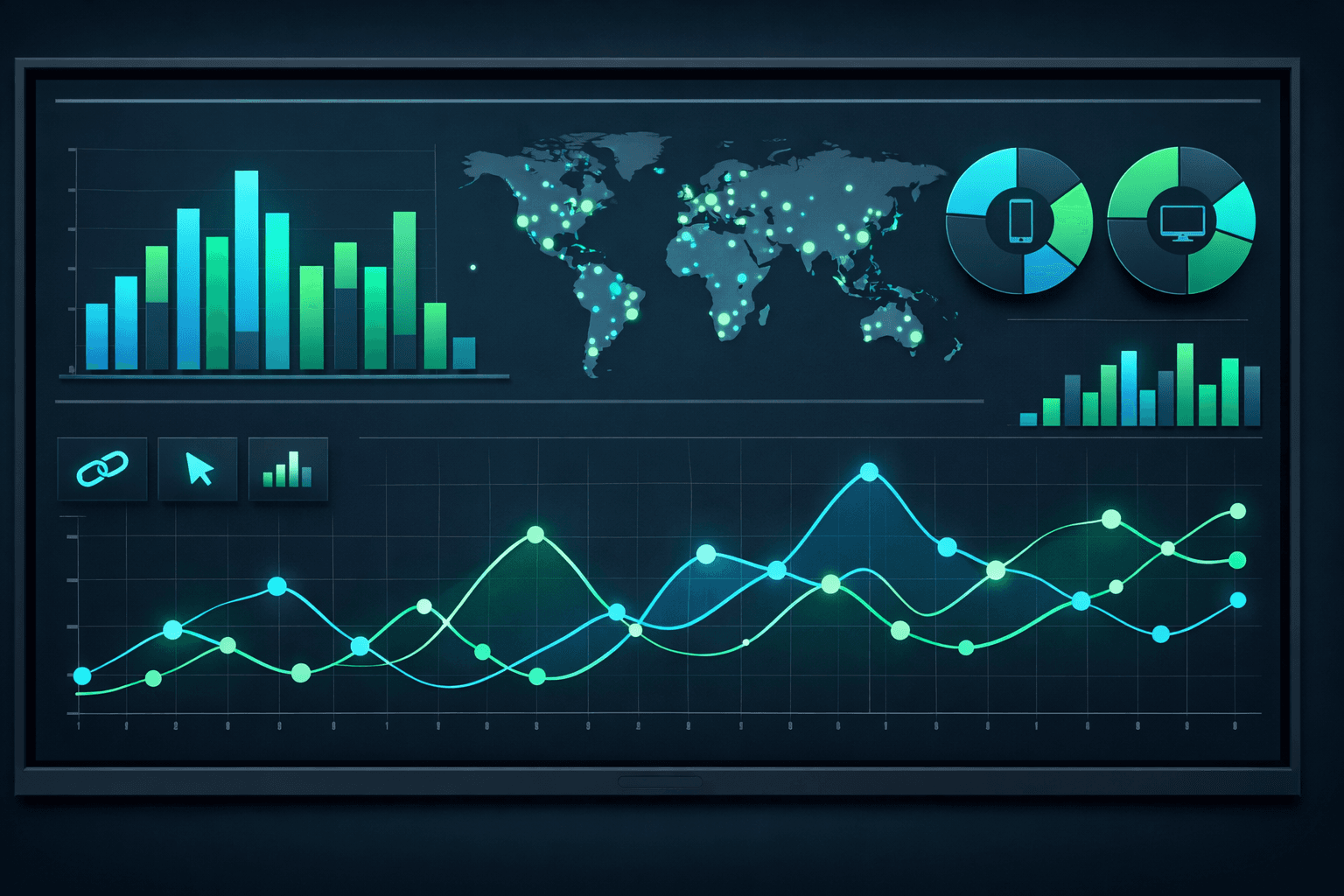
The first step in a scheduling strategy is identifying when your audience is most active. Your FavURL analytics history is one of the best sources for this. Review your historical click timelines across multiple links and look for consistent patterns. If multiple links show click spikes at similar times of day or days of the week, those windows are your confirmed optimal times.
Platform-native analytics also provide audience activity data. Instagram Insights, YouTube Analytics, and Creator Dashboard tools all report when your audience is most active. Cross-reference this information with your FavURL click timeline data to build a consolidated picture of when your specific audience is online and ready to click.
General engagement windows by audience type:
- B2C consumer audiences tend to peak on weekday evenings and weekend mornings
- B2B professional audiences are most active on Tuesday through Thursday between 9am and 12pm
- Younger demographics on TikTok and Instagram skew toward late afternoon and evening
- YouTube audiences tend to engage heavily on Friday through Sunday evenings
- Newsletter audiences peak within the first two hours after send time
- Global audiences with multiple time zones benefit from scheduled distribution across zones
Combining Scheduling with Link Expiration for Urgency
Scheduled publishing and link expiration are a powerful combination for promotional campaigns. You can schedule a link to go live at the exact start of a sale and set it to expire at the exact end. This creates a technically enforced window of availability that aligns perfectly with your promotion timeline and creates genuine urgency.
When followers know that your deals actually expire because your links stop working after the deadline, they learn that they cannot simply save your links for later. This trains your audience to act when they see a limited-time offer from you, which dramatically improves conversion rates on time-sensitive campaigns. This strategy pairs well with the concepts in the guide on using expiring links for product launches.
Building a Content Calendar Around Scheduled Links
The most organized creators use FavURL as a scheduling hub for their entire link distribution strategy. By planning which links go live on which days, they ensure a consistent rhythm of content reaching their audience without manual publishing work. This consistency compounds over time, as audiences begin to anticipate scheduled content from reliable creators.
Pair your scheduling workflow with FavURL analytics to refine your timing over time. After a month of scheduled publishing, you will have a clear data history showing which time slots performed best. Use that feedback to continuously optimize your content calendar.
Stop publishing links reactively and start executing a timed strategy. FavURL Scheduled Publishing is available on the Pro plan. Explore what Pro unlocks on the pricing and features pages, and start your free account today to get familiar with the platform.